How to Break Phone Addiction at Night: 5 Simple Steps
25% off on product page · save $2.33
How to Break Phone Addiction at Night: 5 Simple Steps
How do you break phone addiction at night?
Make the phone less convenient than going to sleep. A consistent cutoff, a charging spot outside the bedroom, and a specific replacement activity can interrupt the habit of checking “one last thing” after lights-out.

Set a cutoff you can keep
Choose a time 30 to 60 minutes before bed when you stop scrolling, messaging, and watching videos. Set a recurring alarm labeled “Phone away,” then finish any necessary messages before it sounds. If an hour feels unrealistic, start with 15 minutes and extend the cutoff once you can follow it consistently.

Featured in this guide
Stop Using Your Phone at Night: A Step-by-Step Guide to Prevent Smartphone Overuse and Sleep Disruptions
Move the charger out of reach
Charge your phone in another room, or at least across the bedroom where you cannot reach it from bed. If you rely on your phone to wake up, use a separate alarm clock so the charger can stay outside the room. Check that the clock’s display can be dimmed if light bothers you at night.
Keep essential calls available
You do not have to make yourself unreachable to reduce nighttime use. Turn on Do Not Disturb or a sleep mode, then allow calls from selected contacts if your phone supports that setting. Test it with someone you trust before bedtime so you know important calls can still get through.
Give your hands a specific alternative
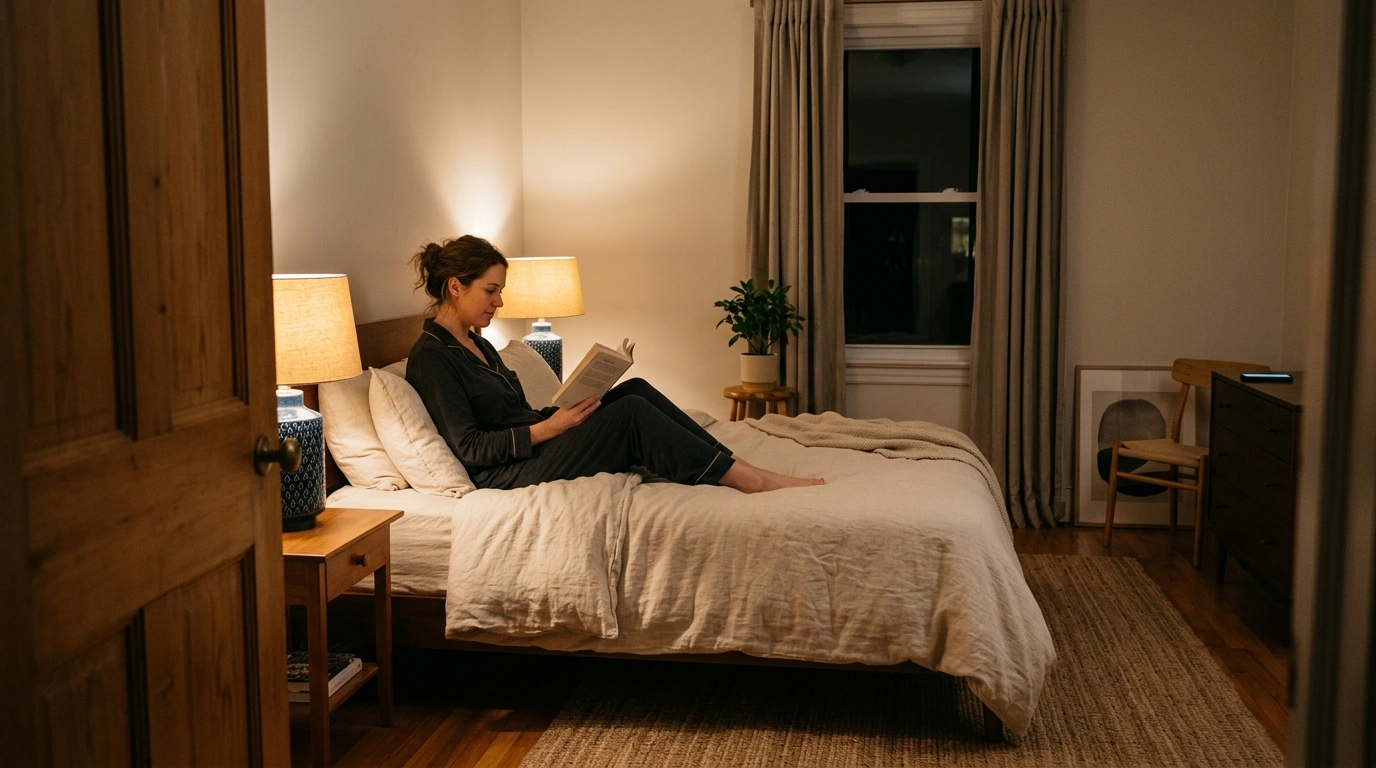
Put a paperback book, crossword puzzle, or notebook where you normally leave your phone. Choose an activity you can do for 10 minutes without opening an app; a book light or bedside lamp makes reading practical without a screen. If a thought keeps tempting you to pick up the phone, write it down to handle tomorrow.
Make late-night apps harder to open
Set app limits for the platforms you tend to open in bed, and remove their icons from your home screen. Grayscale mode may also make the screen less appealing, though it will not replace a firm cutoff. For more ways to build a nighttime routine, read the main guide to breaking phone addiction at night.
FAQ
How to get rid of phone addiction at night?
Start by charging your phone outside the bedroom and setting a realistic nightly cutoff. Replace bedtime scrolling with one prepared activity, such as reading a paperback for 10 minutes.
How can I combat phone addiction?
Identify the apps and times that trigger automatic checking, then add friction with app limits and fewer notifications. Keep your phone away during activities you want to protect, and adjust your plan if you repeatedly bypass a limit.
See if Stop Using Your Phone at Night: A Step-by-Step Guide to Prevent Smartphone Overuse and Sleep Disruptions fits your setup













Leave a comment