ChatGPT Prompts for Skin Color Analysis That Help
10% off on product page · save $2.22
ChatGPT Prompts for Skin Color Analysis That Help
Start with a photo that shows your skin clearly
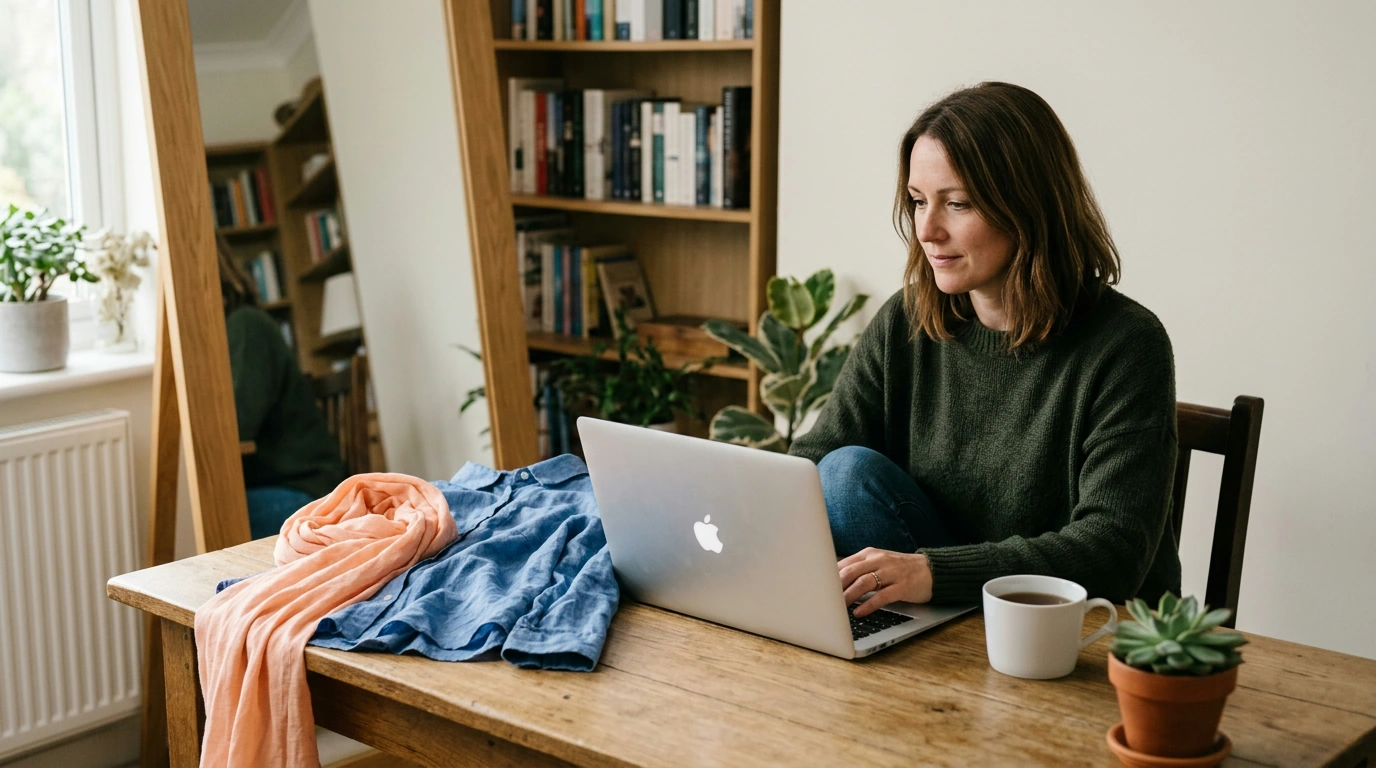
Good skin color analysis starts with a photo taken in indirect daylight, without a beauty filter or strong shadows. Wear a neutral-colored top, keep your face and neck visible, and avoid colored light that could make your skin look warmer or cooler than it is.
Upload the photo and ask: “Describe the visible color characteristics of my skin in this image. What suggests a warm, cool, neutral, or olive undertone, and what details are too uncertain to judge?” Asking for uncertainty helps keep the answer useful rather than overly confident.

Compare colors instead of requesting one label
A seasonal label can be a starting point, but comparisons are easier to test while shopping. Try: “Compare how ivory and bright white, then camel and charcoal, might look near my face based on this photo. Explain which pair seems more harmonious and what I should check in person.”
If possible, take a second photo holding different fabrics near your face under the same lighting. Look for whether a color makes your complexion appear more even or emphasizes shadows; do not treat the camera’s rendering as a final verdict.

Featured in this guide
AI Color Analysis From Your Selfie – Smart Personal Color Guide Ebook | Discover Your Best Colors with an ai color analysis app from a selfie
Ask for practical makeup and clothing options
Turn an initial assessment into a short list you can actually use. Ask: “Based on the undertone you can observe, suggest three blush color families and three clothing neutrals to try, with one alternative if the photo’s lighting has distorted my skin tone.”
Color families such as peach, rose, taupe, or espresso are more useful than a precise product shade inferred from a selfie. Check any foundation recommendation against your jawline and neck in daylight before buying.
Keep the result provisional
Phone cameras, automatic white balance, makeup, and nearby colored walls can all change how skin appears in a photo. For a more reliable comparison, use several unfiltered images taken in consistent light and ask the model to identify where its observations agree or conflict.
For a fuller walkthrough of preparing a selfie and evaluating the result, see the AI color analysis from your selfie guide. Treat the output as a way to narrow your choices, then confirm them with fabric or makeup against your skin.
FAQ
What is the best ChatGPT prompt for color analysis?
Ask it to describe visible undertone clues, compare specific colors near your face, and state what it cannot determine from the photo. Include your lighting conditions so it can flag possible color distortion.
Can you provide a prompt for color grading in ChatGPT?
Try: “Describe the lighting and color cast in this photo, then suggest adjustments to white balance, contrast, and saturation for natural-looking skin.” Check the edited image against the original so the skin does not look unnaturally orange or gray.
Can I use an AI to perform color analysis?
Yes, AI can compare visible color characteristics and suggest palettes to try. Its results are more useful when you provide clear, unfiltered photos and verify suggested colors in person.
Can ChatGPT do skin analysis?
ChatGPT can discuss visible skin color and how clothing or makeup shades may interact with it. A photo-based assessment cannot diagnose a skin condition or reliably determine an exact foundation match.
See if AI Color Analysis From Your Selfie – Smart Personal Color Guide Ebook | Discover Your Best Colors with an ai color analysis app from a selfie fits your setup








Leave a comment