How to Choose a Baby Monitor for Your Home
50% off on product page · save $12.99
How to Choose a Baby Monitor for Your Home
Start with the job your monitor needs to do
Picture an ordinary day at home. Will you carry a receiver while you do chores? Glance at a screen beside your bed? Open an app when another caregiver is home with your baby? That answer helps you choose a monitor type before you compare individual features.
Next, consider where you will use it. Floors, walls, and distance can affect a connection, so a range claim alone cannot tell you how a monitor will perform throughout your home. Set a budget for the whole setup, too. An extra camera, mount, or subscription can change the total cost.
Choose the features you will rely on
Prioritize clear sound, usable controls, and a connection that works where you spend time. For video, consider whether the nighttime view helps you check in. If you carry a parent unit, plan when you will charge it; if you use a phone, think about low battery or another caregiver needing access.
Compare the cost of the setup you want, including any extra camera, mount, or subscription it requires. Two-way talk or a temperature display may be convenient, but neither makes up for sound or controls that do not suit your routine.
Featured in this guide
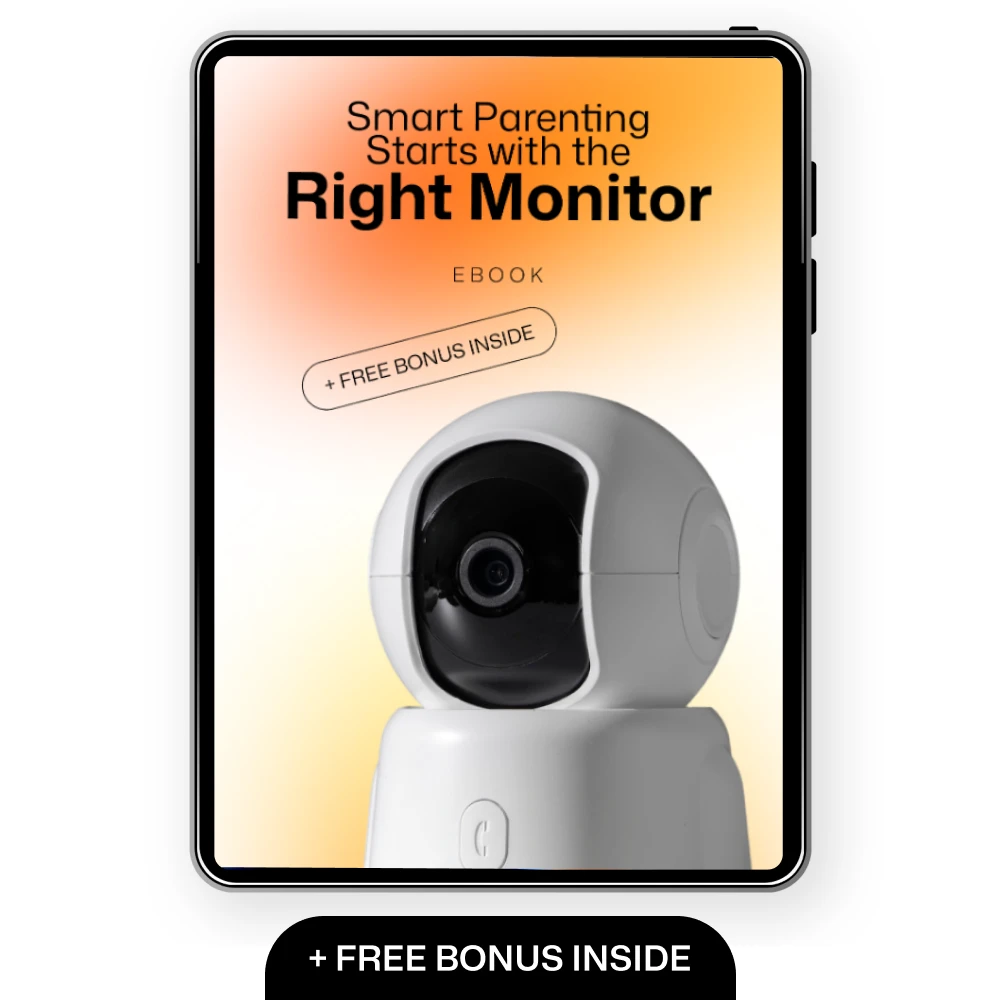
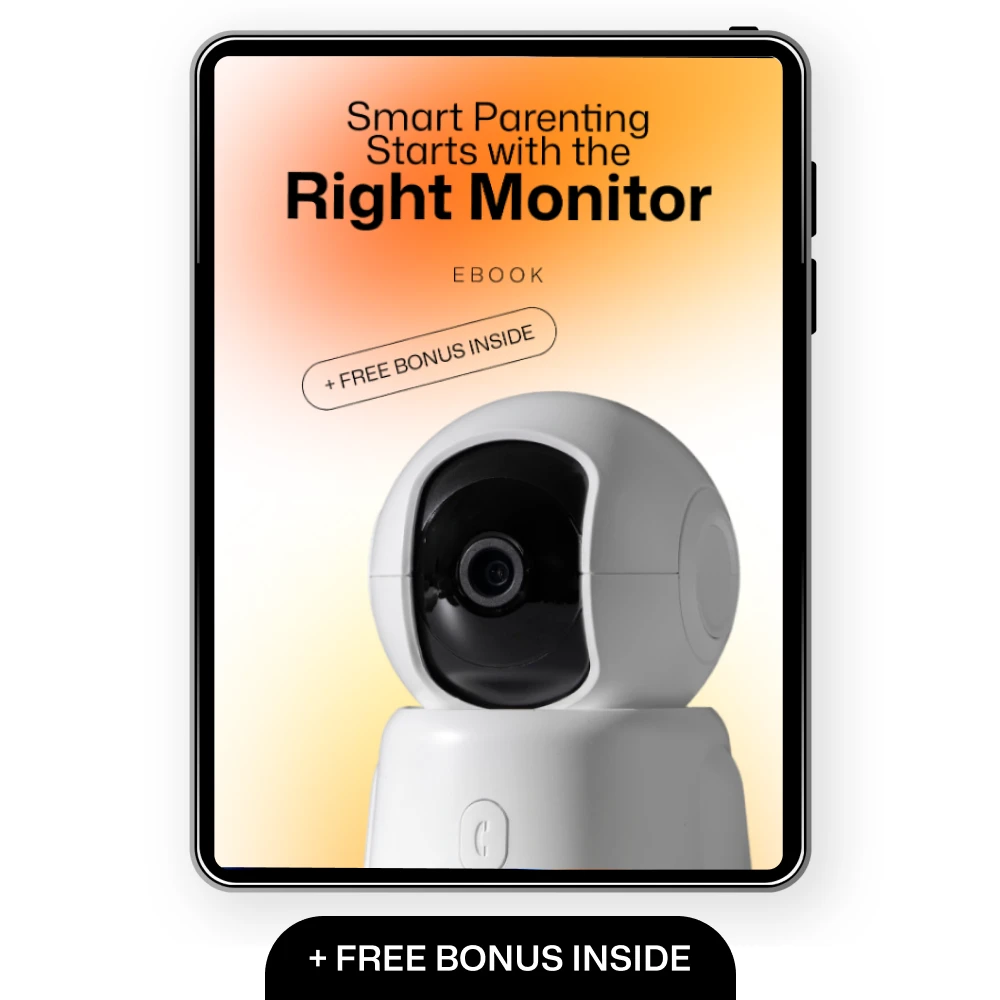
Smart Parenting Starts with the Right Monitor: How to Choose a Baby Monitor – The Ultimate Guide for Parents
Place it safely and protect access
Keep the monitor and every cord out of your baby’s reach. Follow the manufacturer’s mounting instructions, and test the view in daylight and darkness before settling on a position. For a connected monitor, use a unique password, install available security updates, and review who can access the app.
A monitor helps you check in; it does not replace adult care or a safe sleep space. Do not rely on one to prevent sleep-related emergencies.
Plan for placement, privacy, and safe sleep
Choose a camera position that gives you a useful view while keeping the device and every cord out of your baby’s reach. Follow the manufacturer’s mounting instructions rather than improvising a placement near the sleep space. Test the view in both daylight and darkness before you settle on a spot.
For a connected monitor, use a unique password, install available security updates, and review who has access to the app. The Cybersecurity and Infrastructure Security Agency’s home network security guidance offers additional steps for connected devices.
A monitor is a check-in tool, not a substitute for adult care or a safe sleep space. Do not choose one on the assumption that it can prevent sleep-related emergencies. For established guidance on your baby’s sleep environment, see the American Academy of Pediatrics’ baby sleep resources.
Make a confident final choice
Narrow your options to the type that meets your core need. Then compare connection range, power arrangements, ease of use, and total cost—including anything required to use the features you want. A shorter feature list can be a good trade if the monitor is simpler to use every day.
Before relying on a new monitor, test it in the rooms where you will actually carry or view it. Check how clearly you can hear, what you can see at night, and what happens if the power or Wi-Fi goes out. Our team would make that real-home test part of the decision, not an afterthought.
Compare related options such as AI Color Analysis From Your Selfie – Smart Personal Color Guide Ebook | Discover Your Best Colors with an ai color analysis app from a selfie to match features, dimensions, and use case before choosing.
FAQ
What is the 7-7-7 rule for parenting?
The term is used for different informal parenting routines, so there is no single standard 7-7-7 rule. It is not a baby-monitor feature or a basis for choosing one.
What are 10 early signs that a child might be intelligent?
There is no reliable checklist of 10 early signs that can determine a child’s intelligence. A baby monitor can help you hear or see your baby, but it cannot assess development.
Which sibling is usually the favorite?
There is no sibling position that is usually the favorite in every family. A monitor choice is better based on your home and caregiving routine than on sibling order.
What is type C mom?
“Type C mom” is an informal label whose meaning varies depending on who uses it. It is not a parenting or monitor-selection standard.
See if Smart Parenting Starts with the Right Monitor: How to Choose a Baby Monitor – The Ultimate Guide for Parents fits your setup













Leave a comment