Life Beyond Phone Distraction: Master Your Focus
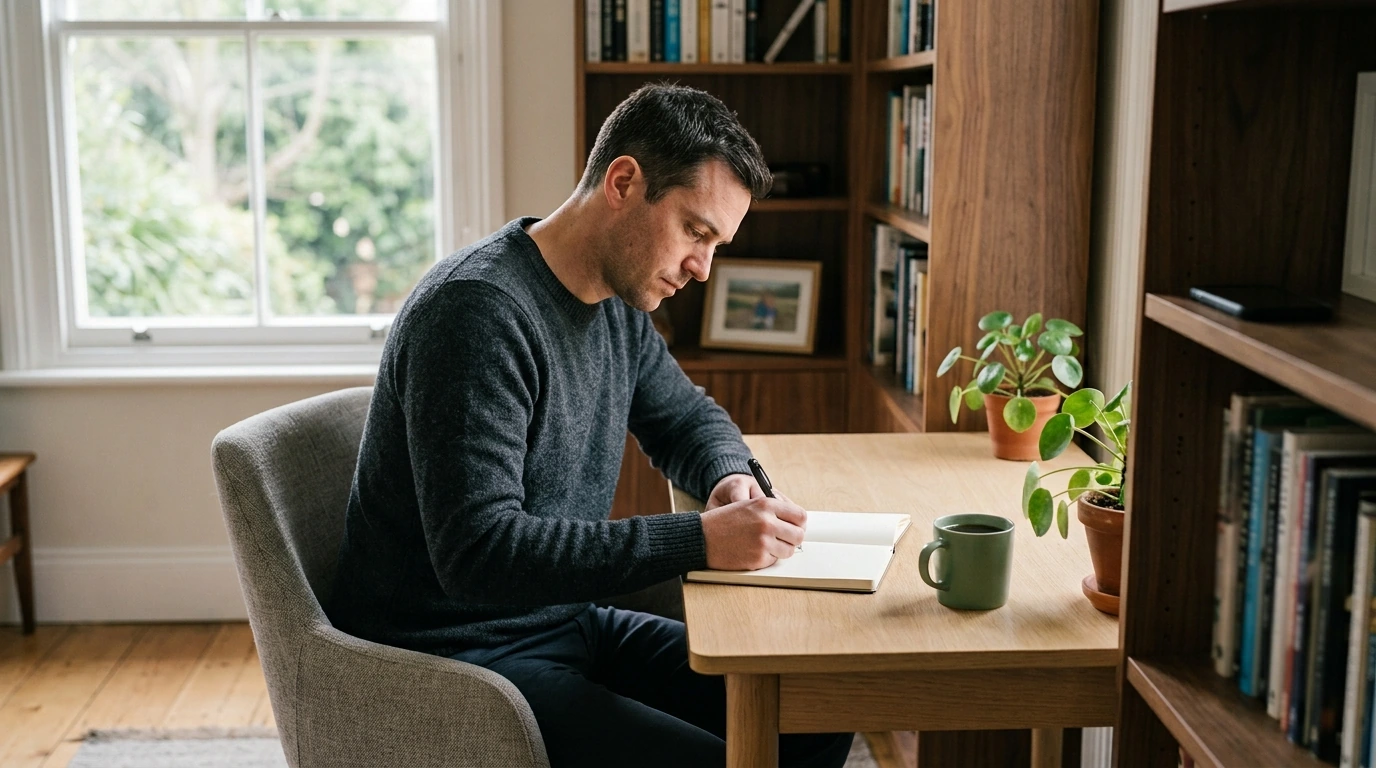
Life Beyond Phone Distraction: Master Your Focus
Attention Is a Space Worth Protecting
A phone can be indispensable and still interrupt the moments that matter. Frequent alerts, effortless access, and habitual scrolling can fragment attention before a person consciously decides to check the screen.
The aim is not to reject useful technology. It is to create an environment in which calls, navigation, authentication, and essential communication remain available without allowing every app to compete for immediate attention.
Why Phone Distraction Feels Automatic
Notifications, bright icons, vibrations, and easy access can become cues for automatic checking. Boredom, waiting, stress, and difficult work may strengthen the pattern over time.
Switching between focused work and a phone can also leave part of the mind occupied with the previous activity. Even after the device is put down, concentration may take time to settle again.
A study published in the Journal of the Association for Consumer Research found that the mere presence of a person’s smartphone may reduce available cognitive capacity under certain conditions. Warning signs can include opening apps without a purpose, interrupting tasks to check messages, losing track of time while scrolling, or feeling uncomfortable during phone-free moments.
Featured in this guide
Life Beyond Phone Distraction: Master Focus and Boost Productivity with This Digital Guide
From Automatic Checking to Intentional Use
Start by identifying what happens immediately before an unnecessary check. Common triggers include boredom, waiting, stress, difficult assignments, and incoming alerts. Then separate essential functions—such as navigation, calls, authentication, and work communication—from optional habits like repeatedly refreshing social feeds.
Small obstacles can interrupt automatic behavior. Move distracting apps away from the home screen, sign out after each session, disable nonessential notifications, or leave the phone outside the workspace. Replace vague intentions such as “use my phone less” with visible rules, including scheduled message checks or a device-free first hour of the morning.
Phone Habits and More Focused Alternatives
| Common habit | Likely effect | Practical alternative |
|---|---|---|
| Checking every notification | Repeated task interruption | Keep only essential alerts enabled |
| Keeping the phone on the desk | Attention drawn toward the device | Place it in a drawer or another room |
| Scrolling during short breaks | Longer, less restorative breaks | Stretch, walk, or get water |
| Using the phone after waking | The day begins reactively | Complete a brief morning routine first |
| Answering messages during focused work | Concentration repeatedly resets | Use scheduled communication windows |
Replace Reflexes with Deliberate Choices
Begin by identifying what happens immediately before an unnecessary check. Then distinguish essential functions from optional habits such as repeatedly refreshing social feeds.
- For constant alerts: keep only essential notifications enabled.
- For a phone kept on the desk: place it in a drawer or another room.
- For scrolling during breaks: stretch, walk, or get water instead.
- For reactive mornings: complete a brief routine before opening apps.
- For messages during focused work: use scheduled communication windows.
Design a Daily Focus Ritual
Choose one meaningful task and define what a completed session should produce. Put the phone away, work for a manageable interval, and follow it with a deliberate break. Several protected sessions may be more practical than expecting perfect concentration all day.
Do-not-disturb settings can preserve access for selected contacts and emergency alerts while silencing promotional, social, and nonessential notifications. During the day, note each check, its trigger, and whether it was necessary. This simple record may reveal patterns that screen-time totals alone do not show.
At the end of the day, review which boundary worked. Adjust unrealistic rules and carry the strongest habit into tomorrow.
Progress Without an Extreme Digital Detox
Sustainable change can preserve useful technology while reducing cues that interfere with work, rest, and time with others. Progress may look like finishing more planned work, returning to a task more smoothly after a break, keeping the phone away from the bed, or opening apps less automatically.
A setback is information rather than failure. Repeated lapses may indicate that a rule is inconvenient, unclear, or too ambitious. Removing one distracting app or establishing one communication window can be more manageable than trying to delete every source of distraction at once.
Who May Find the Guide Useful
This resource is most relevant to readers who feel that phone habits are interfering with work, study, personal projects, sleep, or time with others. Its premise favors practical, self-directed improvement rather than complete rejection of smartphones.
Because it is a digital resource, readers trying to reduce screen exposure may prefer to take notes on paper or open the material on a less distracting device. Persistent attention difficulties affecting several areas of life may warrant support from a qualified health professional in addition to general productivity resources.
Check the listed dimensions for who may find the guide useful against the available vehicle space before use.
Compare related options such as Selling a Car You Still Owe On: A Step-by-Step Guide to Successfully Selling a Financed Car to match features, dimensions, and use case before choosing.
FAQ
Can you live without a phone in 2026?
Yes, but banking, authentication, transportation, work communication, and emergency contact can make complete avoidance impractical. A basic phone, computer-based alternatives, or carefully defined smartphone boundaries may be more realistic.
How many years should you keep your cell phone?
Many phones remain useful for three to five years, although battery condition, security updates, repairability, and performance matter more than age alone. Replace a device when it becomes insecure, unreliable, or unable to support essential tasks.
Can you text on a Lite phone?
It depends on the model and service plan. Many minimalist or Lite phones support SMS, but group messages, media attachments, messaging apps, and advanced typing features may be limited.
What did Elon Musk say about phones?
Elon Musk has discussed smartphones in several contexts, including concerns about excessive use and the possibility that future technologies could change how people interact with devices. Any specific quotation should be checked against its original interview, post, or presentation because online summaries often omit context.
See if Life Beyond Phone Distraction: Master Focus and Boost Productivity with This Digital Guide fits your setup













Leave a comment