AI Screen-Time Monitoring: A Practical Guide for Parents
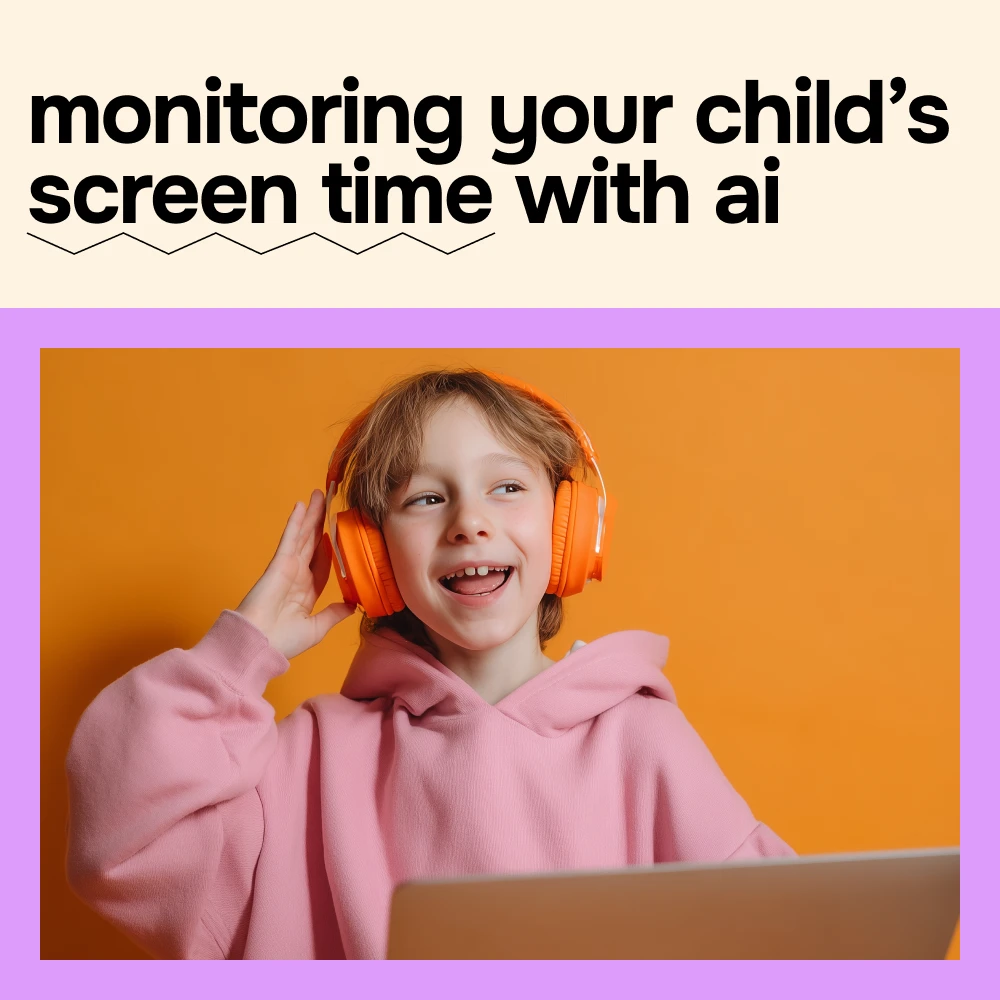
AI Screen-Time Monitoring: A Practical Guide for Parents

Start with the habits you want to support
Before choosing a daily limit, consider what you want screen time to leave room for: sleep, schoolwork, movement, friendships, and family time. A late-night gaming session that disrupts sleep may call for a different response than an hour spent making a video with friends.
Ask your child which online activities they value and where they find it hard to stop. Listen before proposing a rule. The American Academy of Pediatrics’ Family Media Plan can help families discuss shared priorities rather than relying on a single number.
Check the listed dimensions for start with the habits you want to support against the available vehicle space before use.
Read the pattern, not just the number
Depending on the tool, AI-assisted monitoring may show usage summaries, app-category trends, bedtime alerts, or suggested limits. Check the features of the particular service: not every tool offers the same information or controls.
Automated labels lack context. A creative project might appear under entertainment; an unusual day might simply reflect time at home while sick. Treat an alert as an invitation to ask, not proof of a problem. An AI-generated score is not a verdict on your child.
Featured in this guide
Monitoring Your Child’s Screen Time with AI – Practical Parenting eBook | Smart Digital Wellness Guide for Families | ai for monitoring children’s screen time
Turn signals into conversations
| Signal | Question to ask | Possible next step |
|---|---|---|
| Device use continues past bedtime | What makes it difficult to put the device down? | Agree on a charging spot outside the bedroom. |
| One app takes more time than expected | What do you enjoy about it? | Set a realistic stopping point together. |
| Usage rises on weekends | Is this replacing something you wanted to do? | Plan an offline activity without treating every increase as a problem. |
Make the boundaries understandable
Choose a few rules you can explain and follow consistently. Device-free meals or a bedtime cutoff are easier to understand than a changing recommendation whose reasoning is unclear. Where possible, agree on what happens when a limit is reached—for example, finishing a conversation before putting the phone away.
Tell your child what you monitor, who sees the information, and when you will review it. Revisit the agreement as schedules, responsibilities, and maturity change.
Check the listed dimensions for make the boundaries understandable against the available vehicle space before use.
Keep privacy in the plan
Before installing a tool, read what data it collects, whether it shares information with third parties, how long it retains records, and how to delete them. Start with the least intrusive settings that address your concern.
As children grow, discuss the privacy they can expect and the safety concerns that would prompt you to step in. Monitoring should leave room for them to build judgment and independence.
Try one change, then reassess
Observe a typical week, then review the patterns together at a calm time. Pick one adjustment—such as moving devices out of bedrooms overnight—and notice whether it helps the routine you wanted to support. If it does not, revise the plan rather than tightening every control at once.
A tool can help you spot a pattern. Clear expectations, respect, and regular conversations give that pattern meaning.
Check the listed dimensions for try one change, then reassess against the available vehicle space before use.
Compare related options such as How to Avoid PayPal Holds – Expert Guide to Prevent PayPal Holds on Funds for Sellers and Freelancers to match features, dimensions, and use case before choosing.
FAQ
What is the 3-3-3 rule for children?
“3-3-3 rule” can refer to different parenting or coping tips, so it is not a standard screen-time guideline. Ask for the specific version and its source before applying it to your child.
What is the 7 7 7 rule for kids?
There is no single, widely accepted “7 7 7 rule” for children’s screen time. If you encounter one, check what its numbers mean and whether the advice fits your child’s age and needs.
When should you stop monitoring your child?
There is no universal age. Gradually reduce oversight as your child demonstrates responsibility, while agreeing on what privacy they can expect and which safety concerns would warrant renewed involvement.
What is the 3-6-9-12 rule for screen time?
It is a commonly cited age-based media guideline, not a universal medical rule. Consider current pediatric guidance and your child’s individual needs rather than relying on a mnemonic alone.
What is the best app for monitoring screen time for children?
No single app is best for every family. Compare device compatibility, privacy practices, reporting, controls, ease of use, and whether the tool supports decisions you can discuss with your child.
See if Monitoring Your Child’s Screen Time with AI – Practical Parenting eBook | Smart Digital Wellness Guide for Families | ai for monitoring children’s screen time fits your setup













Leave a comment